

Cisco Modeling Labs Examples
Cisco Modeling Labs is the most comprehensive network simulator created by Cisco Systems. In this apge, you will find many Cisco Modeling Labs Examples on various network lessons. These labs are ready-to-use topologies and you can use them for your CCNA, CCNP, CCIE certification practice or your real-world topology tests. You can download Cisco Modeling Labs Examples in this page and you can practice on these topologies to get more hands-on experience on Cisco devices.
What is Cisco Modeling Labs (CML)?
Cisco Modeling Labs (CML) in one of the best platform for network simulation created by Cisco Systems. With CML, you can easily create and configure different network topologies consist of Cisco and other vendor devices. It is created by Cisco Systems but it is not a Cisco proprietary simulator. Cisco Modeling Labs supports Juniper, Nokia, Huawei and other network vendor devices. From this perspective, it is the most comprehensive network simulator in the world beside Cisco Packet Tracer, GNS3, EVE-NG network simulators and emulators.
Cisco Modeling Labs (CML) has HTML5 UI. So, it is easy to use this amazing network simulator. With this nee simulator tool of Cisco, you can both use real-world tools and practice on real-world networking scenarios.
In this simulator Cisco uses Network as Code (NaC) to import Cisco labs base dob YAML generated text files. This is easier than GNS3 and EVE-NG labs. As you know, GNS3 and EVE-NG files are large files. But CML has lower file size.
How to Download CML?
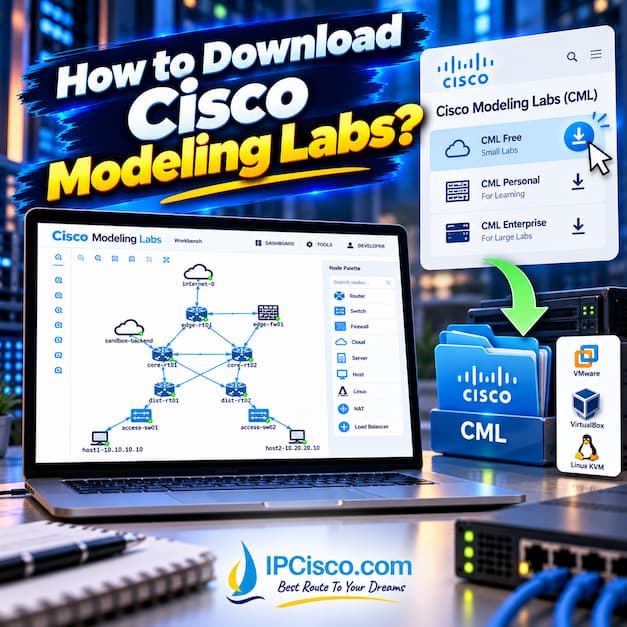
In this part we will explain how to download and install Cisco Modeling Labs free version. To start to use CML, you should follow some steps. These Cisco Modeling Labs download and installation steps are given below:
- Cisco Modeling Labs (CML) can be downloaded from the official Cisco website. First of all, you should visit official Cisco website and create a Cisco account. If you have already a Cisco account, there is no need to create a new one. You can log in your account and continue to the steps with your account.
- Secondly, go to the official Cisco Modeling Labs page in which you will download CML files.
- In this page, select the free or paid CML edition based on your networking needs.
- According to your selection, download your selected edition to access the available CML software files.
- After the download, follow CML installation guide to install Cisco Modelling Labs.
How to Use Cisco Modelling Labs?
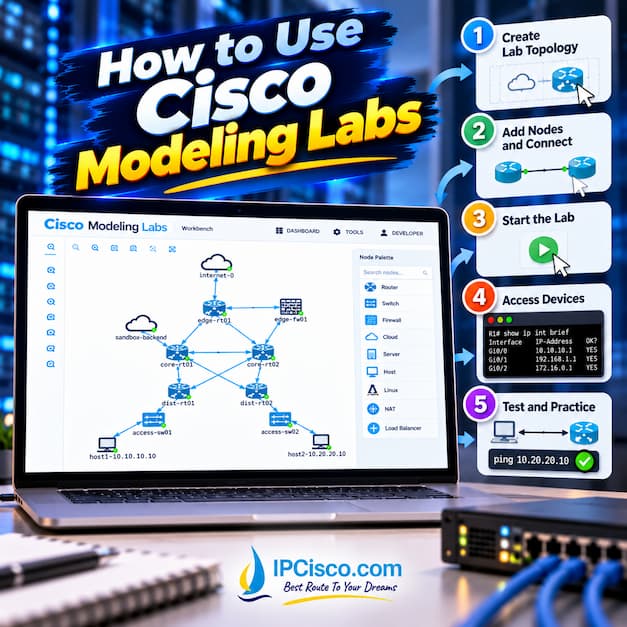
Cisco Modeling Labs (CML) allows network engineers and students to create, configure and test virtual network topologies using Cisco devices. With its web-based graphical interface, users can add routers, switches and other network devices, they can connect them and practice on real network topologies and scenarios. But how can we use Cisco Modeling Labs? Here are the steps of using CML:
- Access Cisco CML: Open the CML web interface and log in.
- Create a New Lab: Create a lab by giving a name.
- Add Network Devices: Drag and drop routers, switches and other supported nodes into the workspace.
- Connect Devices: Create links between devices to build your network topology.
- Start the Lab: Start the nodes and wait for the virtual devices to boot.
- Configure Devices: Open each device’s console and configure IP addresses, routing protocols, VLANs and other networking features.
- Test Connectivity: Use ping, traceroute and Cisco show commands to verify network connectivity and configurations.
- Save Your Lab: Save configurations and export the lab topology for future practice.
How to Use Cisco Modeling Labs
CML vs GNS3 vs EVE-NG
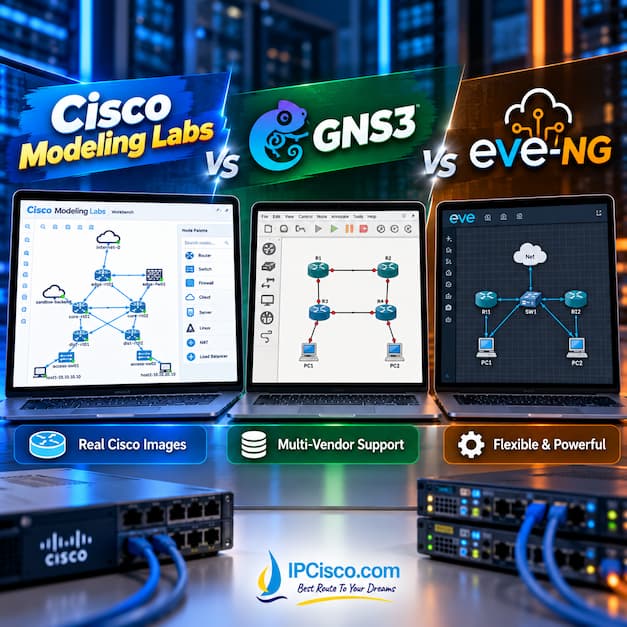
We have talked about what is CML, how to download it and how to use CML. Now, it is time to compare CML with GNS3 and EVE-NG. As you know GNS3 and EVE-NG are two important and useful network simulators (emulators) that network engineers use more in today’s networking world. Beside these strong tools, there is another amazing network simulator created by Cisco Systems, Cisco Modeling Labs (CML) which can change the games rule. Here, we will compare these network lab simulators.
CML vs GNS3 vs EVE-NG Comparison
You can find a comparison table for CML, GNS3 and EVE-NG.
| Feature | Cisco CML | GNS3 | EVE-NG |
| Official Cisco Platform | Yes | No | No |
| Graphical Interface | Yes | Yes | Yes |
| Cisco Images Included | Yes | No | No |
| Multi-Vendor Support | Limited | Yes | Yes |
| Free Version | Limited | Yes | Yes |
| Hardware Requirements | Moderate to High | Varies | Moderate to High |
| CCNA, CCNP, CCIE Preparation | Yes | Yes | Yes |
| Cost | Free / Paid | Free | Free / Paid |
Cisco Modeling Labs vs Packet Tracer
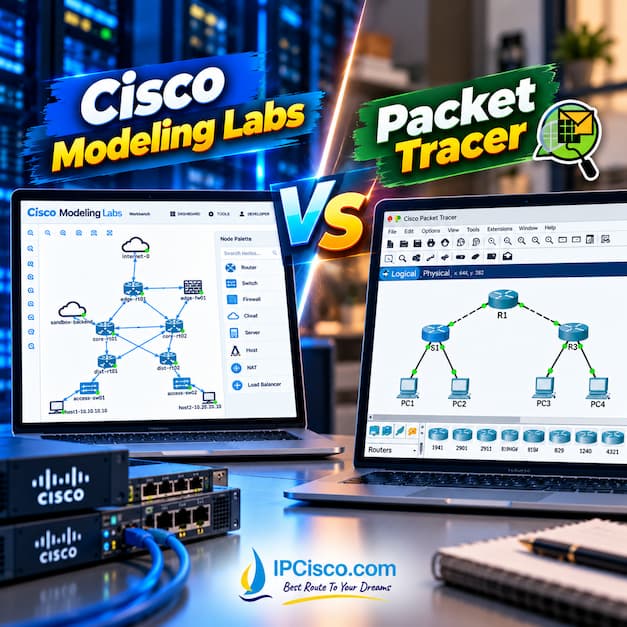
Another good compare can be CML versus Packet Tracer. As you know, Packet Tracer is the first simulator tools for many network engineers at the beginning of their certification path. It is very useful and easy to use tool for network engineers. But if we compare packet tracer with Cisco Modeling Labs, CML can be better. Because CML offers real Cisco images beside other vendor device CLI. In other words, we can use both Cisco and multi-vendor devices in our CML topologies.
Cisco Modeling Labs vs Packet Tracer
How about the other features and differences? You can find a comparison table for CML and Packet Tracer.
| Feature | Cisco CML | Packet Tracer |
| Technology | Emulation | Simulation |
| Cisco Images | Real Images | Simulated Images |
| Hardware Needs | High | Low |
| Ease of Use | Moderate | Easy |
| CCNA Labs | Yes | Yes |
| CCNP & CCIE Labs | Yes | Limited |
| Advanced Features | Yes | Limited |
| Cost | Free / Paid | Free |
Advantages and Disadvantages of Cisco Modeling Labs
There are many advantages of CML beside some of its disadvantages. Firstly, let’s start with advantages of using CML.
- It is a realistic Cisco networking environment
- You can use official Cisco virtual images
- CML can be used for advanced networking labs
- It supports automation and troubleshooting
- CML is useful for CCNA, CCNP and CCIE
How about disadvantages? Are there any disadvantage of using Cisco Modeling Labs? Here are some of them:
- CML needs higher hardware requirements
- Cisco Modeling Labs is paid if you need larger labs with more Cisco devices
- CMLS is more complex than Packet Tracer
- There are limited built-in multi-vendor images in CML
Frequently Asked Questions About Cisco Modeling Labs
What is CML?
CML is the abbreviation of Cisco Modeling Labs.
What is the latest version of Cisco Modeling Labs?
The latest version of Cisco Modeling Labs is version 2.11. It is available since November 2026.
Is Cisco Modeling Labs Free?
Cisco offers both a free option and paid options for CML. According to your need, you can select one of these options. There are different options for individual usage and for teams and enterprises.
Can I Use Cisco Modeling Labs for CCNA, CCNP and CCIE?
Yes, you can use. Cisco CML is suitable for CCNA, CCNP and CCIE certification preparation. It allows users to practice routing, switching, network security and advanced networking configurations using virtual Cisco devices.
Does Cisco Modeling Labs Include Cisco IOS Images?
Yes. There are licensed Cisco virtual network images CML. For example: Cisco IOSv, IOSvL2 and selected IOS XE, IOS XR and NX-OS images, depending on the CML version.
What Is the Difference Between Cisco CML and Cisco Packet Tracer?
CML is an emulator and Packet Tracer is a simulator. Cisco CML emulates Cisco network operating systems, providing a more realistic lab environment. Packet Tracer simulates network devices and is generally easier to use, making it ideal for beginners and CCNA students.
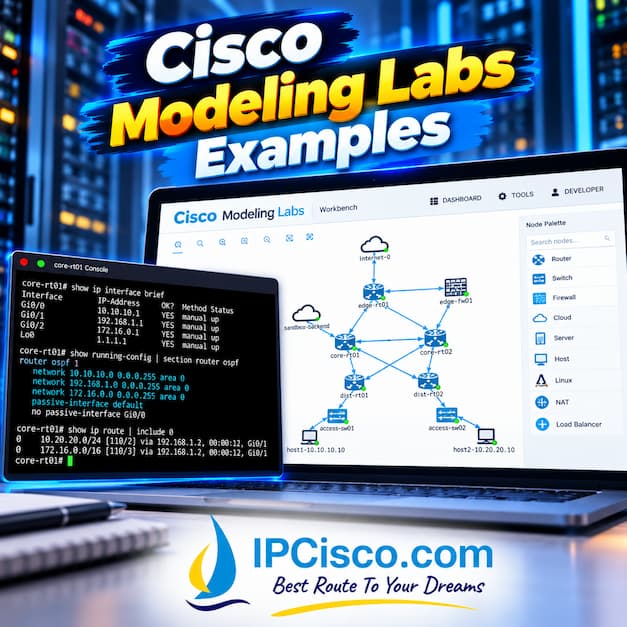
Cisco Modeling Labs Examples

Gokhan Kosem is a Network Engineer, Instructor and the Founder of IPCisco.com with 15+ years of experience in Cisco, Nokia, Huawei, Juniper, Linux, Service Provider Networks, Routing and Switching technologies.
He has worked on the backbone networks of major service providers and network vendors including Nortel, Alcatel-Lucent (Nokia) and has extensive hands-on experience with Cisco, Huawei, Juniper and Nokia networking technologies.
He has trained thousands of networking students worldwide through IPCisco.com, Udemy, books, labs, quizzes, and educational content across multiple social media platforms.
IPCisco.com | Best Route to Your Dreams
Leave a Reply