
- COURSES
- SPECIALS
- BLOG
- MEMBERS
- SHOP
- ABOUT
- ENROLL HERE

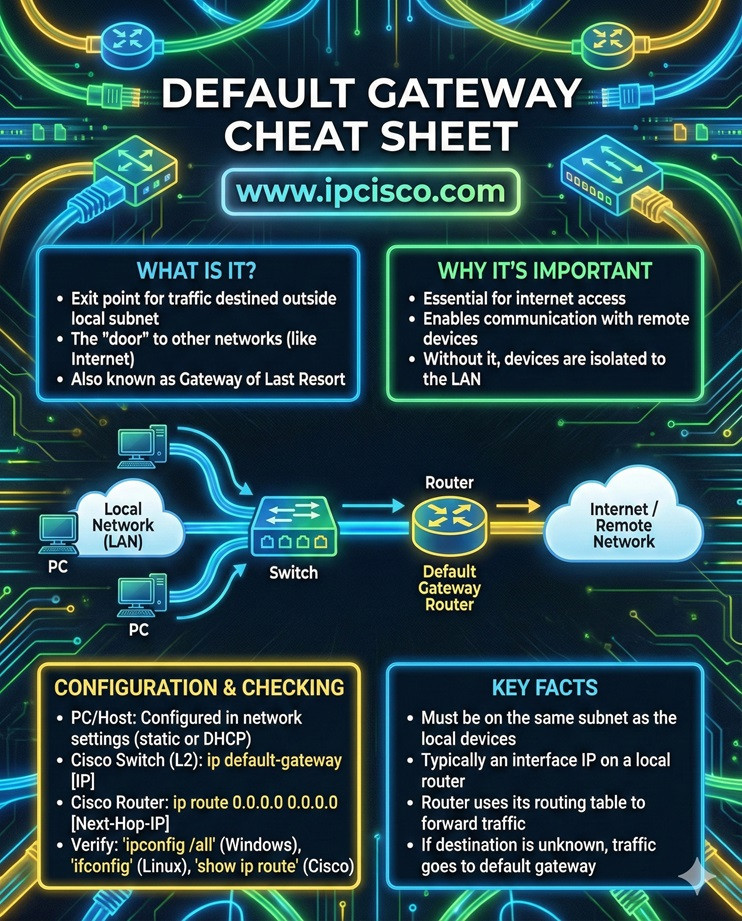
Basically, the default gateway is the router which forwards the data traffic from the local network to the other networks. By the way do not confuse default gateway with Default Route. Default gateway is the IP address of the router that a host uses to reach networks outside its local subnet. Default route is a routing table entry on a router that defines where to send traffic when there is no specific route to that destination. These two lesssons are very important lessons for CCNA, CCNP ENCOR, CCIE Certification Exams and they are the most asked questions in Network Engineer Job Interviews.
In a Local Area Network (LAN) the role of a default gateway is providing Internet access. In a large network with routers, default gateway is used as the exit point from one network to another networks.
Default Gateway Cheat Sheet
How can we check default gateway addresses on PCs and on Routers? Here is the answer.
Table of Contents
To check IP address of a default gateway, we use “ipconfig” command on PCs. This command gives both ip address, subnet mask of the Network Interface Card (NIC) and the gateway address that this PC use.
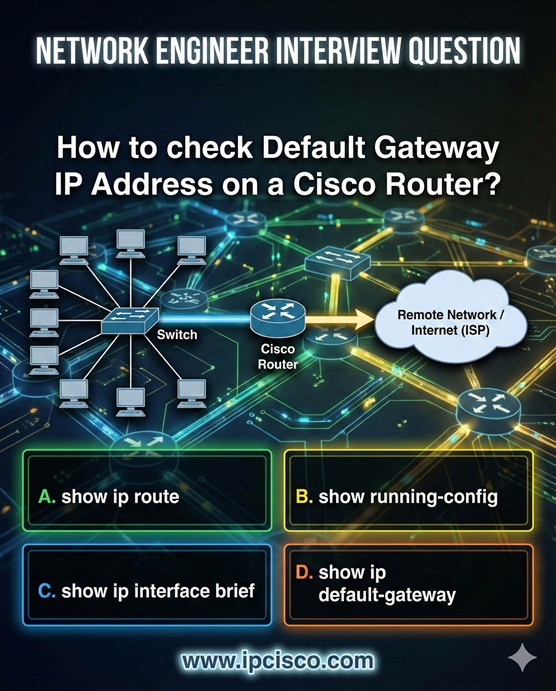
On routers, we use “show ip route” command to see the default gateways. This command will list the routes on the router with the defined default gateways.
The default gateway IP address must be in the same subnet with your interface. In other words, you should use an ip address in the same network, for your default gateway. For example, if your ip address and subnet mask information are like below:
Your gateway ip address can be 192.168.1.2, 192.168.1.3, 192.168.1.10, 192.168.1.254 etc. (Any address between 192.168.1.2 – 192.168.1.254). There are 254 usable host addresses in this subnet. One of them is your interface ip address and any of other 253 ip addresses in this subnet can be your default gateway ip address according to your network topology. Because, this address is the address of your default gateways’s interface ip address.
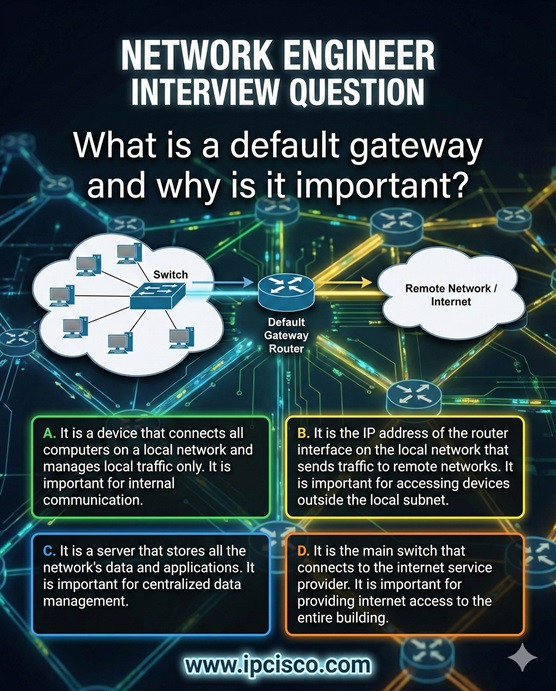
A) When sending data within the same subnet
B) When sending data to a different subnet
C) When assigning MAC addresses
D) When resolving DNS
A) Device cannot communicate at all
B) Internet speed increases
C) DNS will not work
D) Device can only communicate within its local network
Correct Answers: 1B, 2A, 3B, 4D






Leave a Reply