

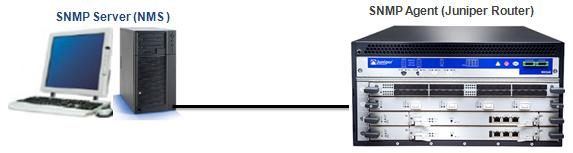
We begin the SNMP configuration with Cisco devices and here, we will continue how to configure a Juniper device for SNMP. In this article we will not mention all the parameters deeply like in the before article. We will check the difference of Juniper JUNOS configuration than Cisco IOS.
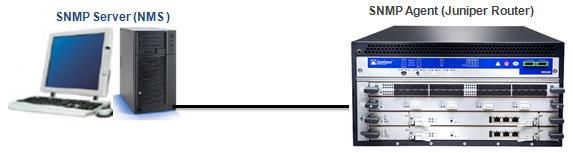
Secondly we will define Community String. We will do this with an SNMP community name, a user’s privilege level and an IP access list. As we know from the before article, community the community name is like a password and it is used to authenticate messages sent between an SNMP client and SNMP server. The community name is sent in every packet between them.
There are three priviledge modes. These are:
– ro : Read-only access to the entire MIB except for SNMP configuration objects.
– rw : Read-write access to the entire MIB except for SNMP configuration objects.
– admin : Read-write access to the entire MIB.
The maximum number of communities in each virtual router is 32. And an SNMP community permits only read-only access by default.
To configure SNMPv3 use the following one:
Configuring SNMP contact and location is also best practice in Juniper as all vendors.


Gokhan Kosem is a Network Engineer, Instructor and the Founder of IPCisco.com with 15+ years of experience in Cisco, Nokia, Huawei, Juniper, Linux, Service Provider Networks, Routing and Switching technologies.
He has worked on the backbone networks of major service providers and network vendors including Nortel, Alcatel-Lucent (Nokia) and has extensive hands-on experience with Cisco, Huawei, Juniper and Nokia networking technologies.
He has trained thousands of networking students worldwide through IPCisco.com, Udemy, books, labs, quizzes, and educational content across multiple social media platforms.
IPCisco.com | Best Route to Your Dreams







Leave a Reply