

Network engineers need practice on routers and switches. They use different emulators and simulators to gain hands on experience on Cisco devices. In this lesson, we will focus on one of these popular networking simulation tools, Cisco Packet Tracer. We will learn what is Cisco Packet Tracer, Cisco Packet Tracer download and install beside the features of this network device simulator. This simulation tool is very important for Cisco CCNA Certification and CCNP ENCOR Certification practices. So, here are the latest version of Packet Tracer for 2026.
Let’s start with the first question what is Cisco Packat Tracer to learn more about this important network tools.
Cisco Packet Tracer Configuration Examples and Configuration Lessons With Packet Tracer
Table of Contents
What is Cisco Packet Tracer?
Network engineers, network technicians and network administrators need hands on experience on Cisco network devices. They need these practices both for network certification exams and for network engineering job activities. To provide this opportunity to entry level network engineers and ccna certification students, Cisco packet Tracer is developed. This networking simulation tool is not only useful for ccna lessons but also ccnp and ccie configurations can be done with this network simulation tool.
Cisco Packet Tracer is basically a self-paced network simulator. With this simulator, you can simulate a real Cisco router, Cisco switch, a hub, a firewall or other devices. You can create network topologies with different network devices and you can do the configuration of these devices like they are real network devices.
What is Cisco Packet Tracer?
Cisco packet tracer not only provide networking practice, but also Internet of Things (IoT) and cyber security practice. It is a complete computer networks and information technology simulator.
You can also watch this full video to learn How to Download and Install Cisco Packet Tracer.
What Can We Do With Cisco Packet Tracer?
Cisco Packet Tracer is one of the most useful programs used by network engineers. With this networking simulation tool, network engineers can practice cisco networking commands on various network topologies. By doing this, they gain hands on experience on various Cisco routers, Cisco switches, access points, WLCs, hubs, firewalls and other network devices. For example you can configure VLANs on Packet Tracer, you can do SSH configuration , DHCP configuration or you can configure routing protocols like OSPF, EIGRP, BGP etc.
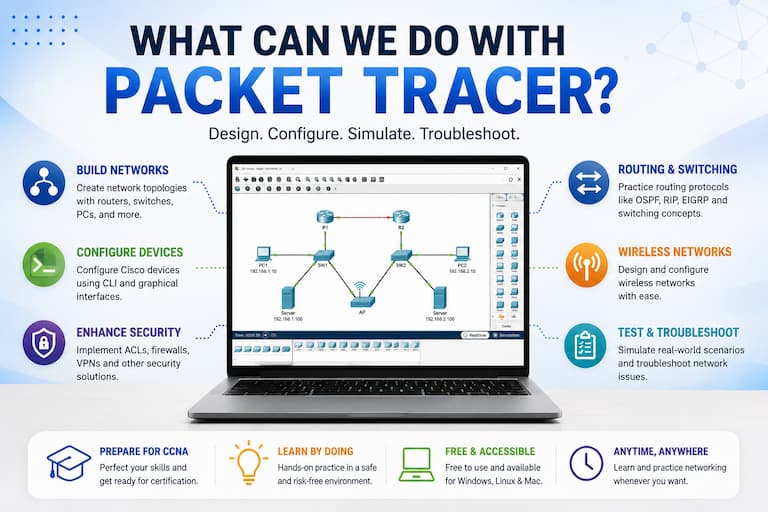
You can benefit from Cisco Packet Tracer both for your Cisco CCNA certification studies and for your real network engineering tasks. How can you use this simulation tool for your network engineering job? For example, you can test your configuration with packet tracer before adding them to your real network. But here, you should be careful about commands.
Why Learn Networking with Cisco Packet Tracer?
Cisco Packet Tracer is one of the best tools for learning computer networking because it provides a realistic, hands-on environment without requiring expensive physical network equipment like routers and switches. Whether you are preparing for the CCNA certification, studying networking fundamentals or improving your practical skills, Packet Tracer allows you to build network topologies, configure Cisco devices, get familier with Cisco IOS and troubleshoot real-world scenarios safely. With support for routing, switching, IPv6, wireless networking, security and automation concepts, it is an excellent platform for both beginners and experienced network engineers who want to practice anytime and anywhere. All labs of CCNA and CCNP ENCOR certifications can be created with this amazing simulation tool.
How to Download Cisco Packet Tracer?
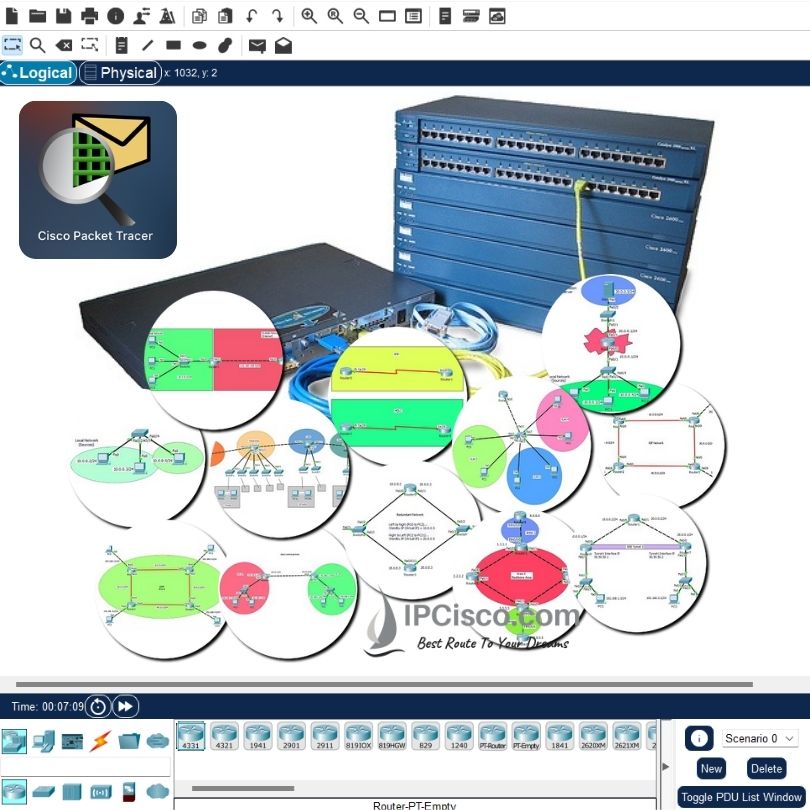
You can download Cisco Packet Tracer on Cisco networking academy website, netcad.com. It is easy to download this simulation tool. Here are the steps that show you how to download cisco packet tracer:
For Cisco Packet Tracer download, firstly, visit https://www.netacad.com/resources/lab-downloads
The latest version is Cisco Packet Tracer 9.0.0. To download this version, then, select the operating system that you use. You can download MacOS, Linux (Ubuntu) and Windows version of Packet Tracer.
- Packet Tracer 9.0.0 MacOS 64bit
- Packet Tracer 9.0.0 Ubuntu 64bit
- Packet Tracer 9.0.0 Windows 64bit
How to Download Cisco Packet Tracer?
For example, when you click to cisco packet tracer download for windows, you will download Packet_Tracer900_64bit_setup_signed.exe. Choose a location to download this file. Because, to install packet tracer, you will execute this file.
For Linux you will download Packet_Tracer900_amd64_signed.deb file and for MacOS you will download Packet_Tracer900_setup_mac_signed.dmg.
How to Install Cisco Packet Tracer?
To install Cisco Packet Tracer, there are some system requirements. For 2026, these system requirements are given below:
Operating Systems: Windows (10, 11), MacOS (10.14 or newer), Ubuntu (20.04, 22.04)
CPU: amd64(x86-64)
RAM: 4 GB
Disk Space: 1.4 GB
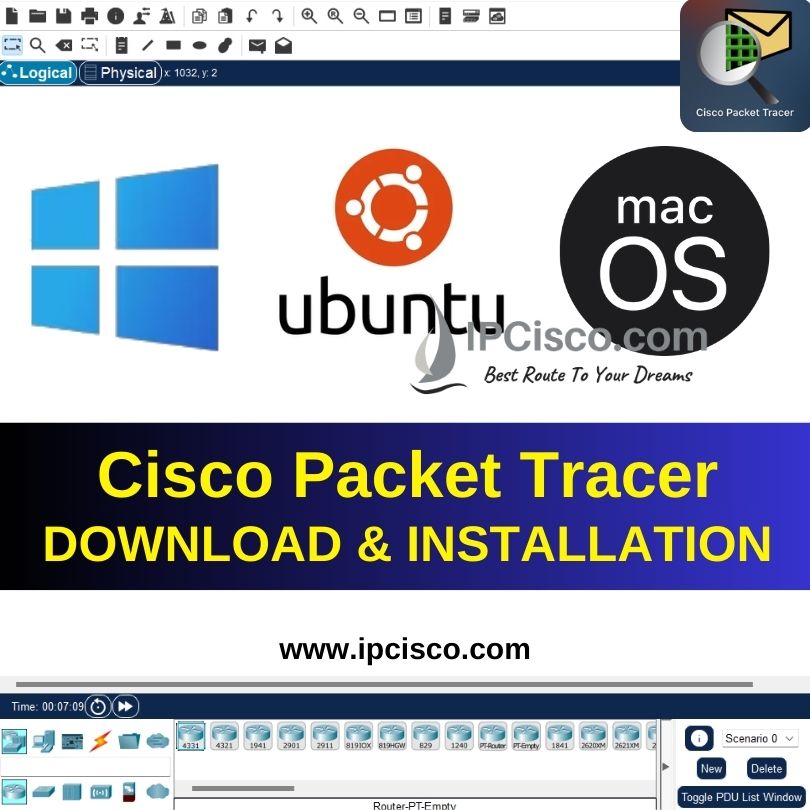
Cisco Packet Tracer Download & Installation
Packet Tracer Windows Installation
After Cisco Packet Tracer download, to install Cisco Packet Tracer on Windows operating system, firstly click and execute program file that you have downloaded.
Secondly, open and accept license agreement. Click next.
After that select the location to install Cisco packet tracer or accept the default location determined by the program. Click next.
Then select Additional Tasks window and choose additional shortcuts. Click next.
Lastly, check your setting for the installation and click install to start Cisco packet tracer installation.
After these steps you Cisco packet tracer program will be installed to your Windows operating system.
Packet Tracer Linux Installation
To do Cisco Packet Tracer Linux installation, firstly, on terminal, go to the location that you locate installation file.
Secondly, enter the below command to install packet tracer:
ipcisco@Ubuntu:~/Downloads$ sudo apt-get install ./Packet_Tracer900_amd64_signed.deb
Also provide the user and password credentials.
Then, in the setup dialog box, accept license agreement. You can use tab key to highlight and click enter.
Lastly, to open packet tracer application you can use command packettracer.
Packet Tracer MacOS Installation
For Cisco Packet Tracer MacOS installation, firstly go to the file location that you have downloaded .dmg file and double click the file.
Secondly, select open.
Next, click continue in setup dialog box to view and accept license agreement. Then click continue.
Then, select install to install packet tracer.
After that, enter your system account password or security PIN.
Next, click continue in Create Maintenance tool window.
Lastly, click done to complete packet tracer installation.
To open packet tracer, go to the applications and cisco packet tracer folder. Open the program here.
Frequently Asked Questions About Cisco Packet Tracer
What is Cisco Packet Tracer used for?
Cisco Packet tracer is used to practice on various Cisco devices like routers, switches, access points, hubs, firewalls etc. With this network simulation tool, you can use network devices like they are real. You can create network topologies to test your configuration before adding them to your real network. You can gain hands on experience before network certification exams.
Is Cisco Packet Tracer Free?
Cisco Packet Tracer is a free tool for entry level network engineers, network technicians and network administrators. You do not need to pay any money to use this network simulation program.
What is the Latest Packet Tracer Version?
For 2026, the latest version of Packet Tracer is Cisco packet tracer 9.0.0. You can download this version from the website of packet tracer.
May I use All Cisco Commands in Cisco Packet Tracer?
You can use many Cisco router and switch commands with Cisco packet tracer. Here, you will not use real router image or switch image. But you will use a simulated version of these devices. So, not all the configuration commands are available with packet tracer, but many of them can be used. So, it is a good networking simulation tool for entry level network engineers.
What are the Packet Tracer System Requirements?
Before installing Cisco Packet Tracer, it is important to check your system meets the minimum requirements. The software runs smoothly on Windows, macOS and Linux, but you need at least 4 GB of RAM and 2 GB of free disk space for basic lab exercises. A modern processor is recommended to handle complex network simulations, and a stable internet connection is required for activating the software and accessing online resources. Ensuring your system meets these requirements will allow you to practice network configurations efficiently without performance issues.
How Do I Download Cisco Packet Tracer?
Cisco Packet Tracer can be downloaded from the Cisco Networking Academy (NetAcad) website. After creating a free account and signing in, you can access the latest Packet Tracer version for Windows, Linux or macOS. Always download the software from Cisco’s official platform to ensure you receive the latest features, security updates and compatibility improvements.
Do I Need a Cisco Networking Academy Account to Download Packet Tracer?
Yes. Cisco Packet Tracer is distributed through Cisco Networking Academy (NetAcad). You need a free NetAcad account to access the official download page and obtain the latest version of Packet Tracer for your operating system.
Can I Use Cisco Packet Tracer Offline?
Yes. After installing Packet Tracer and signing in for the first time, you can continue using most of its features offline. However, certain online services and account-related functions may require an active internet connection.
Can I Open Older Packet Tracer Files in New Versions?
In most cases, yes. Newer Packet Tracer versions are generally backward compatible and can open projects created with older versions. However, older Packet Tracer releases may not support files created with newer versions that contain recently introduced features.
Why Can’t Packet Tracer Start?
If Cisco Packet Tracer does not start, the issue is usually caused by an outdated installation, incompatible operating system, missing system updates or corrupted application files. Make sure you are using the latest Packet Tracer version that supports your operating system. If the problem persists, reinstall the application, verify that your system meets the minimum requirements and ensure that your Cisco Networking Academy account is properly configured. Running Packet Tracer as an administrator may also resolve startup issues on some Windows systems.
Where Can I Find Packet Tracer Labs?
You can practice your networking skills with Packet Tracer labs covering CCNA, CCNP and CCIE topics for switching, routing, VLANs, OSPF, EIGRP, ACLs, DHCP, NAT, IPv6, network security and other network lessons. Hands-on labs are one of the best ways to reinforce networking concepts and prepare for certification exams. You can download All CCNA and CCNP ENCOR Level Packet Tracer Labs in IPCisco.

Gokhan Kosem is a Network Engineer, Instructor and the Founder of IPCisco.com with 15+ years of experience in Cisco, Nokia, Huawei, Juniper, Linux, Service Provider Networks, Routing and Switching technologies.
He has worked on the backbone networks of major service providers and network vendors including Nortel, Alcatel-Lucent (Nokia) and has extensive hands-on experience with Cisco, Huawei, Juniper and Nokia networking technologies.
He has trained thousands of networking students worldwide through IPCisco.com, Udemy, books, labs, quizzes, and educational content across multiple social media platforms.
IPCisco.com | Best Route to Your Dreams








Leave a Reply