

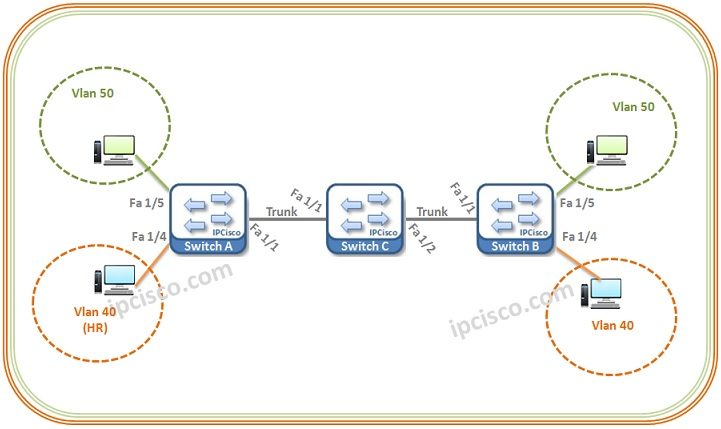
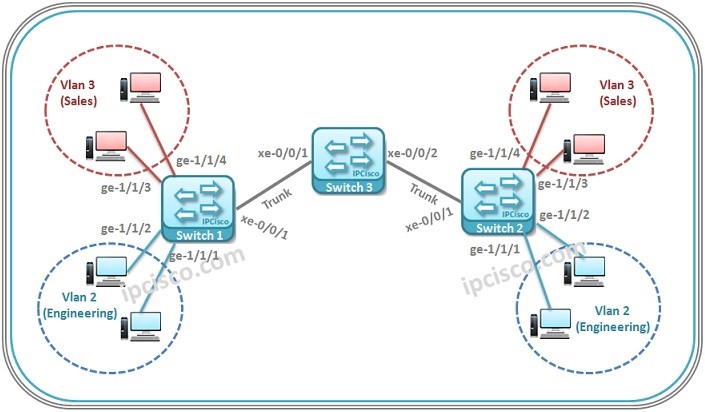
In this configuration example, we will focus on how to configure GVRP on Cisco. Here, for our GVRP Configuration Example, we will use the below topology.
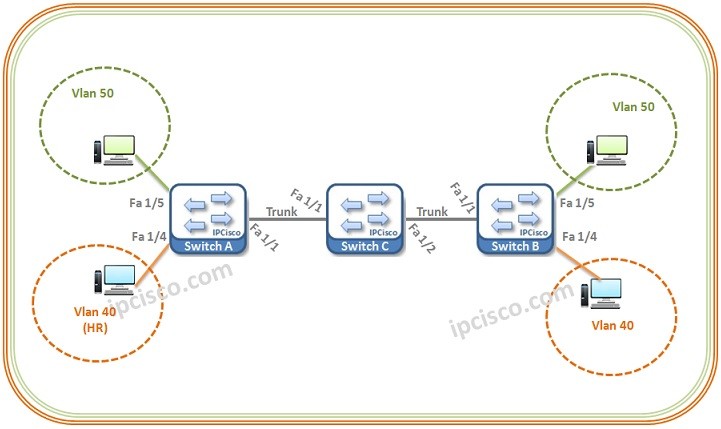
Let’s start our GVRP Configuration on each of these Switches.
Table of Contents
Switch A Confguration
Firstly, we will create our VLANs (40 and 50) then we will enable GVRP globally on the switch.
Then we will configure the interfaces and we will also enable GVRP on these interfaces.We will configure the vlan ports as Access and the trasport port (the link between the switches) as Trunk.We will allow only the required VLAN on Access ports, but we will allow all VLANs on Trunk port.
Lastly, we will save our configuration.
Switch B Configuration
We will configure Switch B similar to switch A.

Other GVRP, MVRP and VTP Articles…/u>
GVRP Overview
GVRP Configuration on Cisco
GVRP Configuration on Huawei
MVRP Overview
MVRP Configuration on Cisco
MVRP Configuration on Juniper

Gokhan Kosem is a Network Engineer, Instructor and the Founder of IPCisco.com with 15+ years of experience in Cisco, Nokia, Huawei, Juniper, Linux, Service Provider Networks, Routing and Switching technologies.
He has worked on the backbone networks of major service providers and network vendors including Nortel, Alcatel-Lucent (Nokia) and has extensive hands-on experience with Cisco, Huawei, Juniper and Nokia networking technologies.
He has trained thousands of networking students worldwide through IPCisco.com, Udemy, books, labs, quizzes, and educational content across multiple social media platforms.
IPCisco.com | Best Route to Your Dreams






Leave a Reply