
- COURSES
- SPECIALS
- BLOG
- MEMBERS
- SHOP
- BOOKSHELF
- ABOUT
- ENROLL HERE

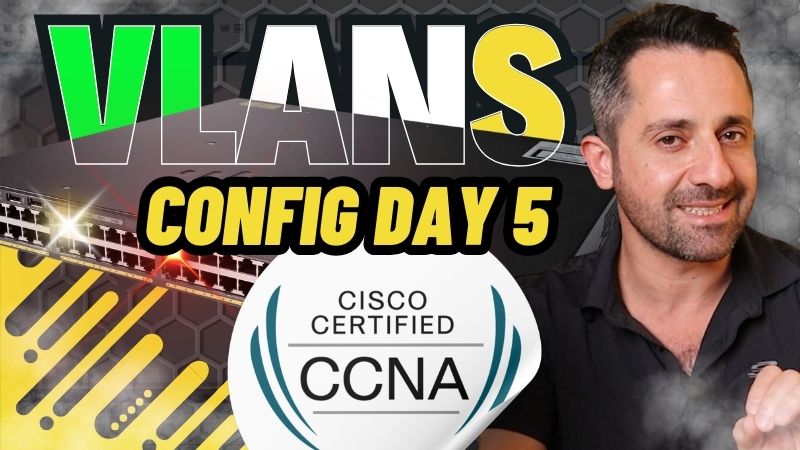
In this Cisco Packet Tracer VLAN Training, we will focus on how to configure VLANs on Cisco switches. Here, we will configure a Virtual LAN scenario on a two switched domain. In this Cisco VLAN Packet Tracer Configuration, you will be familier with all the Cisco VLAN configuration commands.
On this swithing domain, we will have three different VLANs, VLAN 1, VLAN 2 and VLAN3. These VLANs will represent a different department of a company.
VLAN Configuration is very imporant for Cisco Certifications especially for CCNA, CCNP ENCOR and CCIE Enterprise Infrastructure. You will see a lot of questions about VLAN configurations on these exams. In real life, you will also work with Virtual LANs a lot. So, learning how to configure VLANs on Cisco switches is very important.
In this VLAN Configuration, we will focus on the below configurations:
Some of the useful VLAN configuration and verification commands used in this VLAN Training are given below:
You can follow all the steps of Cisco VLAN Configuration in the below video.
In this Cisco VLAN Example Configuration, we have created new VLANs. We have assigned ports to these VLANs. We have configured VLAN trunk ports for VLAN transport between two switches. Here, we have allowed the configured VLANs on this trunk port. Laslty, we have verified our VLAN configuration by pinging between two PCs in the same VLAN and two PCs in different VLANs. Here, if PCs are in the same VLAN, ping is successful. If they are in different VLANs, ping is not successful.
After completing this Packet Tracer VLAN Configuration Example, now, you are ready to configure Cisco VLANs. You can practice with the next Cisco Packet Tracer Virtual LAN Configuration Example to learn this lesson better.

Gokhan Kosem is a Network Engineer, Instructor and the Founder of IPCisco.com with 15+ years of experience in Cisco, Nokia, Huawei, Juniper, Linux, Service Provider Networks, Routing and Switching technologies.
He has worked on the backbone networks of major service providers and network vendors including Nortel, Alcatel-Lucent (Nokia) and has extensive hands-on experience with Cisco, Huawei, Juniper and Nokia networking technologies.
He has trained thousands of networking students worldwide through IPCisco.com, Udemy, books, labs, quizzes, and educational content across multiple social media platforms.
IPCisco.com | Best Route to Your Dreams






Thenks a lot for shaing this video, its help me lot to understand the Vlan configuration.
I wish you a good day ached…
Always welcome Mohan ;) Good Luck!
It was really important video for networking project engineers thanks for sharing like this video
Thank you Nikhil:) You are always welcome